
Downie 4.12.14Updated
Downie for macOS — Free Download via Torrent or Direct Link. Downie is a macOS video downloader that saves video from a wide range of sites with a simple drag-and-drop interface, up to 4K quality.
Screenshots
About
Download Downie for macOS
Downie is a video downloader for macOS built by Software Ammonite. You paste a link, or drag it onto the app, and Downie saves the video to your Mac — no browser extensions, no separate converter tools, just a link in and a file out.
It supports an unusually wide range of sites rather than just the major platforms, and it keeps that list updated as sites change how they serve video, so links that break in other downloaders often still work in Downie. Quality is selectable up to whatever the source provides, including 4K and higher where available, and audio-only extraction is built in for when you just want the sound.
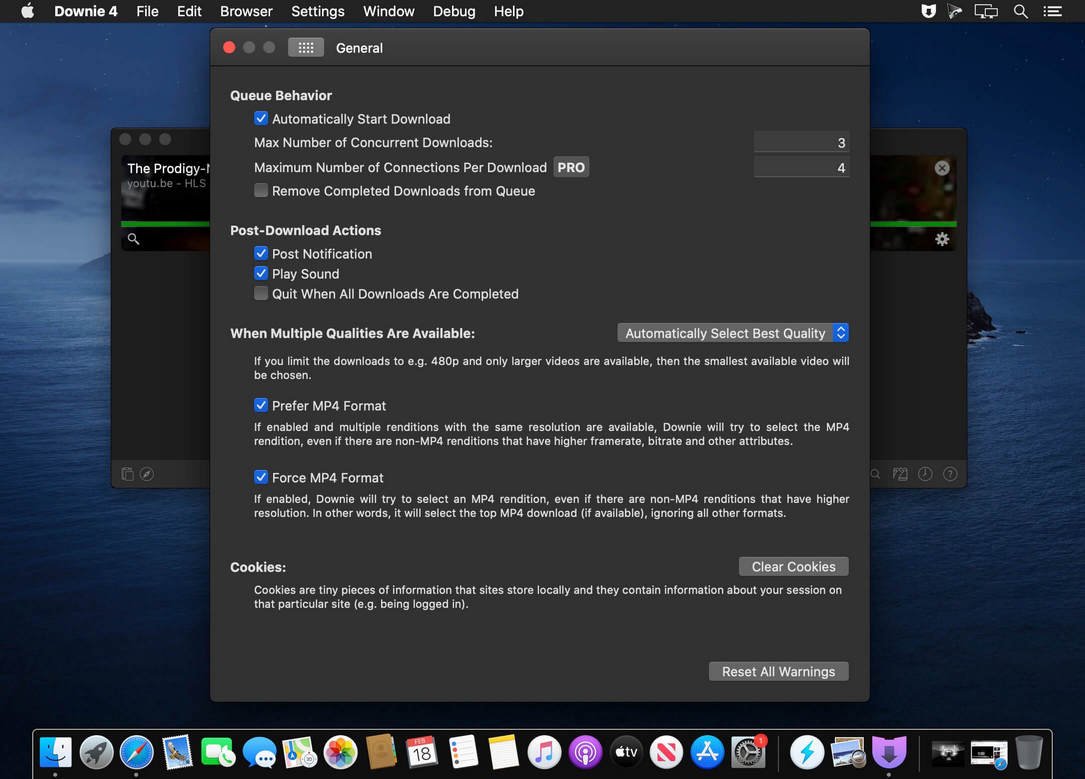
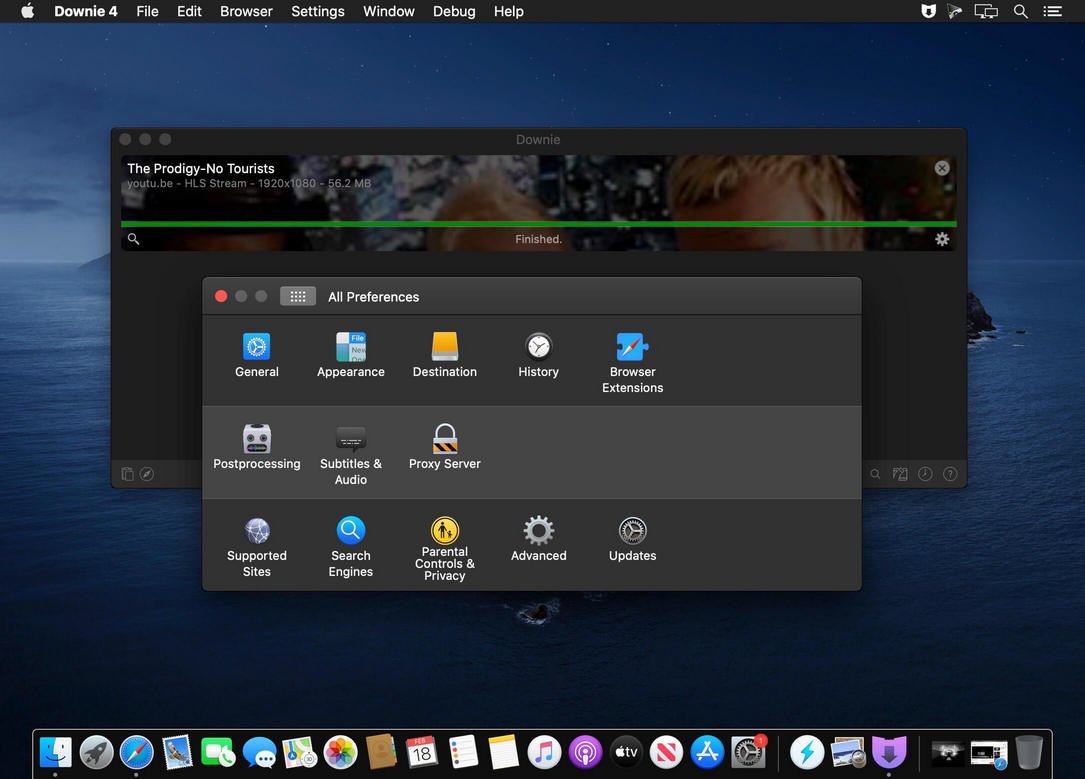
The interface stays out of the way by design: a drop zone, a queue, and a few settings. Downloads run in the background while you keep working, and finished files land wherever you’ve set your download folder to be. For anything Downie doesn’t recognize automatically, it can often still extract the video by scanning the page directly rather than failing outright.
Features
- Wide site support — works across a large and actively maintained list of video platforms, not just the major ones.
- Drag-and-drop downloading — drop a link onto the app, or paste it, and the download starts automatically.
- High-resolution downloads — save video at up to 4K or higher when the source supports it.
- Audio extraction — pull just the audio track and save it separately from the video.
- Batch and playlist downloads — queue multiple links or an entire playlist for sequential downloading.
- Browser integration — send links to Downie directly from Safari and other browsers.
- Format conversion — convert downloaded video into different formats and containers after the fact.
- Post-processing scripts — automate actions like moving files or triggering conversions once a download finishes.
- Fallback page scanning — extracts video from pages even when a site isn’t explicitly supported.
- Lightweight native app — a small, fast macOS utility with minimal interface overhead.
Who It’s For
Anyone who needs video saved locally rather than streamed: people preparing content for offline viewing while traveling, researchers archiving material from a wide range of sources, and users who’ve found that other downloaders stop working when a site updates.