Adobe Photoshop 27.9.1Updated
Adobe Photoshop for macOS — Free Download via Torrent or Direct Link. Adobe Photoshop is a professional image editing app for macOS combining layer-based editing, advanced selection tools, and generative AI for photo and design work.
Screenshots
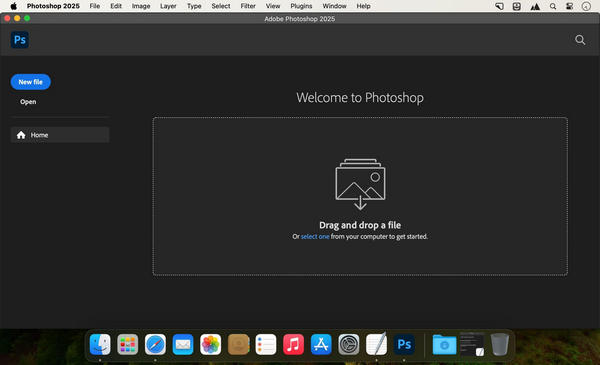
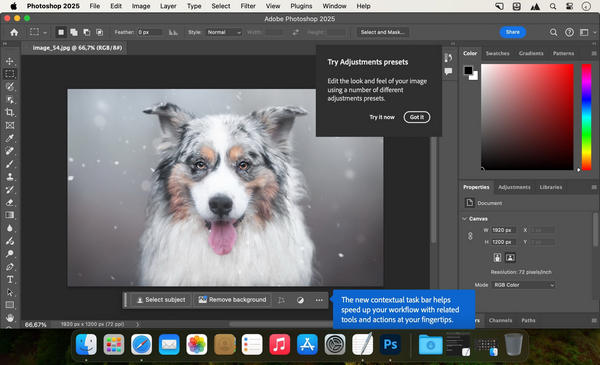
About
Download Adobe Photoshop for macOS
Adobe Photoshop is a professional image editing application for macOS. It is the tool most other photo and design software gets compared against, and for good reason — it covers photo retouching, compositing, digital painting, and graphic design in one program, with a depth of control most alternatives don’t attempt to match.
The core of the app is layer-based, non-destructive editing. Every adjustment, mask, or effect sits on its own layer, so you can go back and change any part of an edit later without redoing the whole thing. Selection tools have become increasingly automatic over the years — subject detection, sky replacement, and generative fill now handle work that used to take careful manual masking.
Photoshop runs as part of Adobe’s Creative Cloud, syncing files, fonts, and settings across devices, and connecting directly to other Adobe apps like Lightroom and Illustrator for a combined workflow. It supports every major image format and color space professionals need, from RAW camera files to CMYK for print.
Features
- Layer-based editing — non-destructive layers, masks, and adjustment layers that stay editable at any point.
- Advanced selection tools — AI-assisted subject and sky selection alongside traditional manual selection tools.
- Generative AI tools — generative fill and expand for adding, removing, or extending image content from text prompts.
- Retouching tools — healing brush, clone stamp, and content-aware fill for removing or repairing image details.
- Digital painting — a full brush engine with pressure sensitivity for illustration and digital art.
- Typography and design tools — text layers, styles, and layout tools for graphic design work alongside photo editing.
- RAW image processing — Camera Raw support for adjusting exposure, color, and detail before editing begins.
- Smart Objects — embed layers or files that scale and transform without losing quality.
- 3D and motion tools — basic 3D object editing and frame-based animation within the same file.
- Cloud sync and libraries — access files, fonts, and assets across devices through Creative Cloud.
- Broad format and color support — works across RGB, CMYK, and specialized color spaces for both screen and print.
Who It’s For
Photographers, designers, and digital artists who need professional-grade editing: retouchers working on client photos, designers producing print and web graphics, illustrators painting digitally, and anyone whose work depends on precise, layer-based control over an image.