CleanMyMac 5.6.0Updated
CleanMyMac for macOS — Free Download via Torrent or Direct Link. CleanMyMac is a macOS maintenance app that removes system junk, uninstalls apps completely, and monitors performance and battery health in one click.
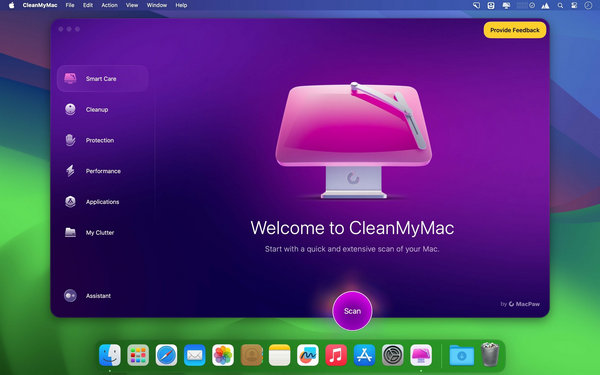
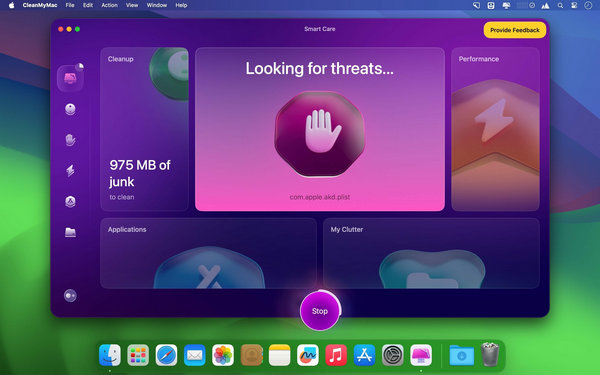
Screenshots
About
Download CleanMyMac for macOS
CleanMyMac is a system maintenance and optimization app for macOS built by MacPaw. It exists to answer a question most Mac users eventually ask: where is all my storage going, and why does the machine feel slower than it used to. Instead of digging through system folders manually, you run a scan and the app finds the junk, duplicates, and leftover files that build up over time.
The cleanup side covers cache files, old system logs, broken login items, leftover app data from software you already deleted, and large hidden files most people never find on their own. Uninstalling an app through CleanMyMac removes its support files along with it, instead of leaving them scattered across the system the way dragging an app to Trash does.
Beyond cleanup, it also monitors the health of the machine in real time — CPU load, memory pressure, battery condition, and running processes — and includes malware scanning to catch adware and other threats specific to macOS. The interface is built around one-click actions, so most people run it, review what it found, and clean it in under a minute.
Features
- System junk removal — clears cache files, logs, and temporary data that accumulate without you noticing.
- Complete app uninstalling — removes an app along with its associated support files and preferences.
- Large and old file finder — surfaces forgotten files taking up significant space so you can decide what to keep.
- Duplicate file finder — locates identical files across your Mac and lets you clear the extras.
- Malware removal — scans for and removes adware, spyware, and other Mac-specific threats.
- Real-time system monitor — tracks CPU, memory, disk, and network activity as it happens.
- Startup and login item management — controls which apps and processes launch automatically when you log in.
- Battery health tools — checks battery condition and flags processes draining it unnecessarily.
- Privacy cleanup — clears browsing history, cookies, and other traces across supported browsers.
- Maintenance scripts — runs macOS’s built-in maintenance tasks that rarely execute on their own.
Who It’s For
Anyone whose Mac has been in use for a while without regular upkeep: users running low on storage, people who install and uninstall software often, and anyone who wants a faster, tidier system without digging through Terminal commands or system folders by hand.