VMware Fusion Pro 26H1New
VMware Fusion Pro for macOS — Free Download via Torrent or Direct Link. VMware Fusion Pro is virtualization software that runs Windows, Linux, and other operating systems on macOS, with automation and networking tools built for developers and IT teams.
Screenshots
About
Download VMware Fusion Pro for macOS
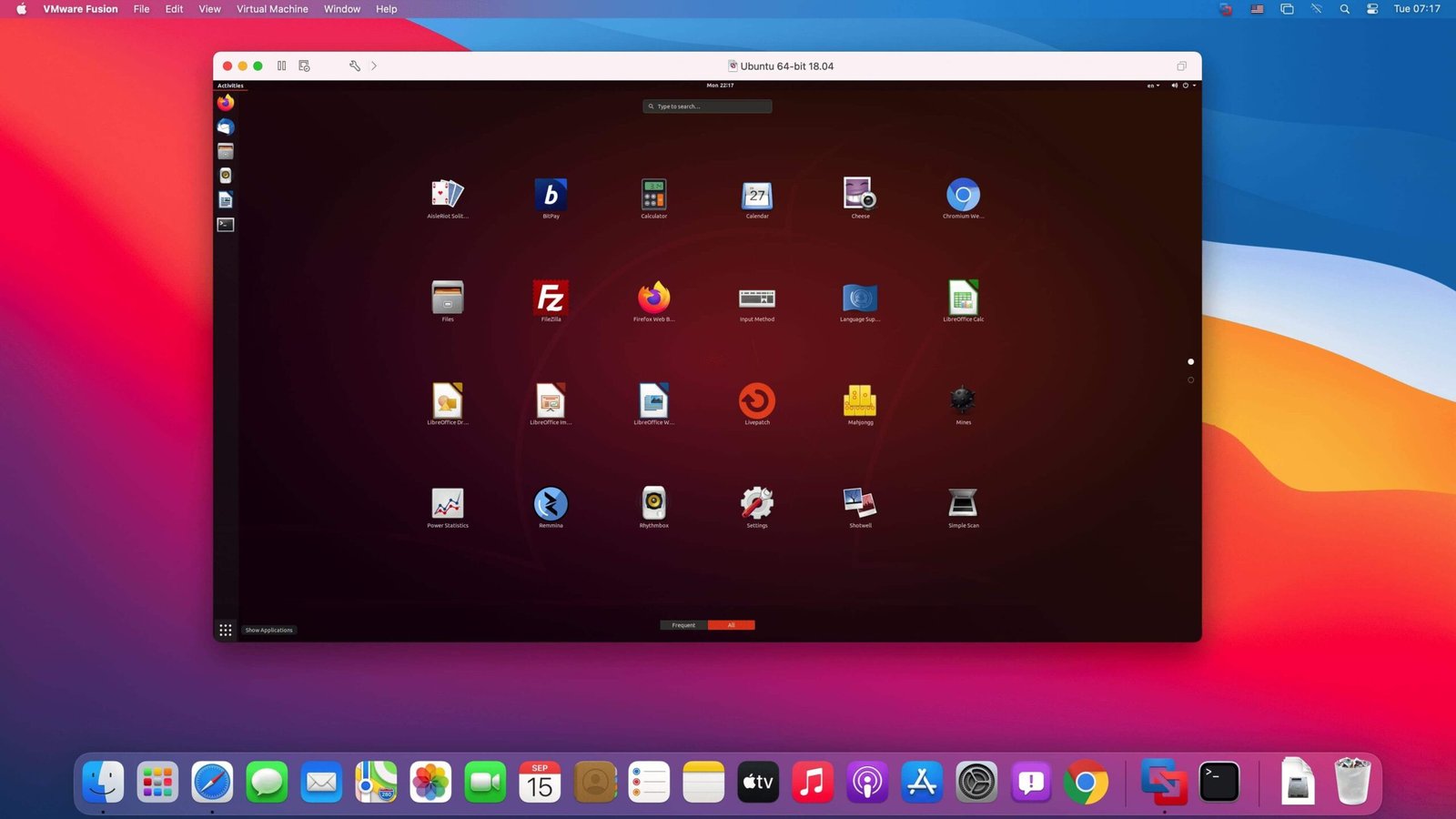
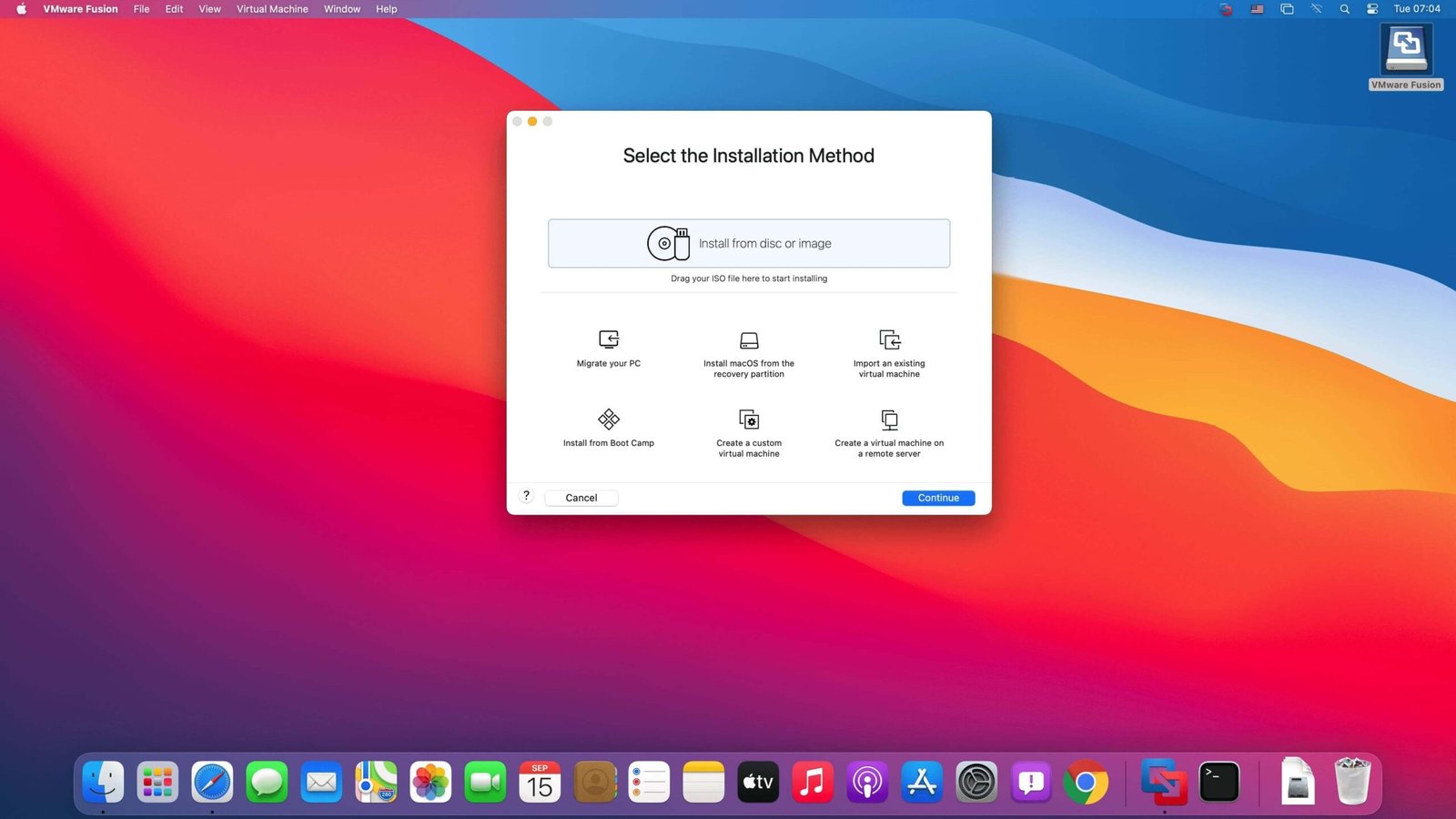
VMware Fusion Pro is virtualization software for macOS that lets you run Windows, Linux, and other operating systems directly on your Mac without rebooting. Instead of switching between operating systems, you run them side by side — a Windows virtual machine sits in its own window while macOS keeps running normally in the background.
It is built for people who need a specific operating system for a specific task: running Windows-only software, testing an app across multiple OS versions, or maintaining a Linux environment for development work. Each virtual machine behaves like a real computer with its own storage, memory allocation, and network settings, isolated from the host Mac unless you choose to share files between them.
The Pro edition adds the tools aimed at developers and IT professionals on top of the standard version: a REST API for scripting and automation, virtual network customization, encrypted virtual machines, and support for running more complex, multi-machine setups locally instead of relying on cloud infrastructure for testing.
Features
- Run multiple operating systems — Windows, Linux, and other OSes running simultaneously alongside macOS.
- Snapshot support — save the exact state of a virtual machine and roll back to it at any point.
- Shared folders and clipboard — move files and copy-paste content between the host Mac and virtual machines.
- Custom virtual networking — configure isolated or bridged network setups for testing multi-machine environments.
- REST API — automate virtual machine creation, configuration, and management through scripts.
- Encrypted virtual machines — protect VM contents with encryption and password protection.
- DirectX and 3D graphics support — run graphics-intensive Windows applications inside a virtual machine.
- Apple silicon and Intel support — runs across both Mac architectures, with ARM and x86 guest OS compatibility depending on the chip.
- Unity view — run Windows applications as if they were native Mac apps, without the full desktop visible.
- Multi-VM management — run and manage several virtual machines at once from a single interface.
Who It’s For
Developers, IT professionals, and QA teams who need multiple operating systems on one Mac: software testers checking cross-platform compatibility, developers running Windows-only tools, and anyone who needs an isolated environment for testing without separate hardware.