
App Cleaner & Uninstaller Pro 9.4.0Updated
App Cleaner & Uninstaller Pro for macOS — Free Download via Torrent or Direct Link. App Cleaner & Uninstaller is a macOS utility that removes applications completely — including preferences, caches, and leftover files most uninstall methods miss.
Screenshots
About
Download App Cleaner & Uninstaller Pro for macOS
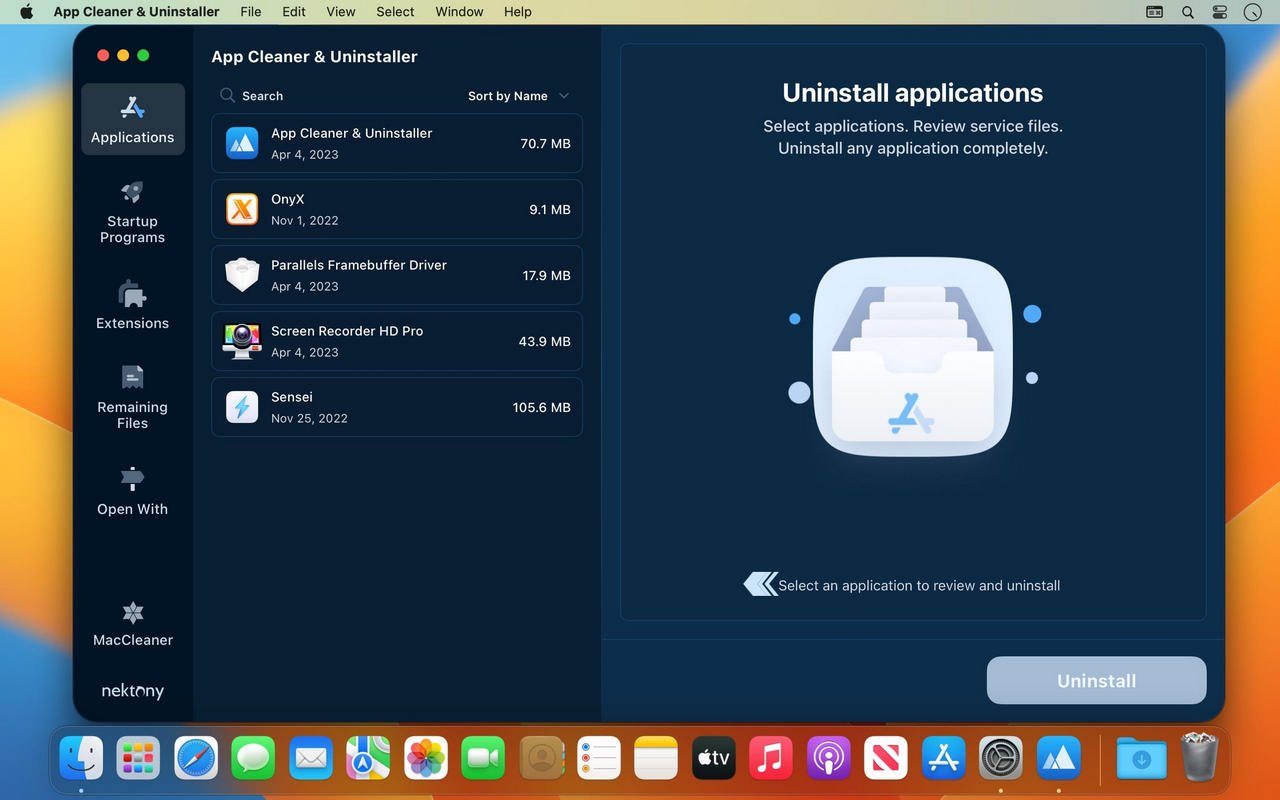
App Cleaner & Uninstaller is a utility for macOS that removes applications completely, not just the app itself. Dragging an app to Trash on a Mac leaves behind preferences, caches, logs, and support files scattered across the system — this app finds all of that and removes it in one action.
You select an app, and it scans for every related file across your Mac’s library folders before deleting anything, showing you exactly what it found so nothing gets removed without a chance to review it first. Over time, those leftover files from long-uninstalled apps add up to real storage space, and this recovers it without you having to know where macOS hides them.
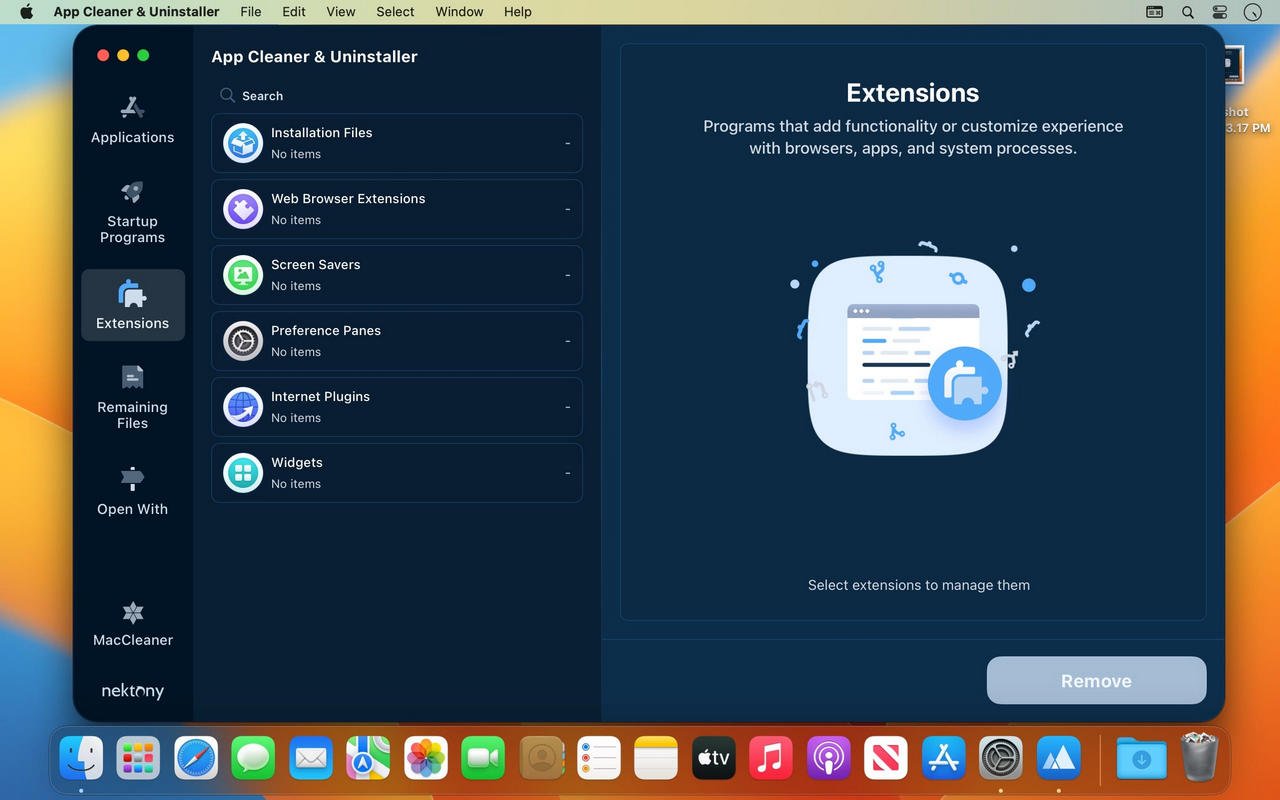
Beyond uninstalling, it handles related cleanup tasks: removing browser extensions, clearing login items that slow down startup, deleting old system junk, and finding files still referencing apps that were removed long ago. It’s built as a focused tool for this one job rather than a broader maintenance suite.
Features
- Complete app removal — deletes an app along with its preferences, caches, logs, and support files.
- Leftover file scanner — finds files remaining from apps that were already deleted by other means.
- Batch uninstalling — remove several apps at once instead of one at a time.
- Login item management — see and disable apps and services set to launch automatically at startup.
- Browser extension removal — clean up extensions and plugins across installed browsers.
- System junk cleanup — clears cache and temporary files that build up outside of app-specific data.
- Pre-deletion review — shows every file found before anything is removed, so you can deselect items.
- Drag-and-drop uninstalling — drag an app from Applications directly into the tool to begin removal.
- Storage usage overview — see which apps and files are taking up the most space.
- Update management — check installed apps for available updates from one place.
Who It’s For
Anyone who installs and removes apps often and wants storage back afterward: people trying software before deciding whether to keep it, users running low on disk space, and anyone who wants a Mac free of leftover files from apps they stopped using long ago.