
RAR Extractor Max – Unzip File 13.9.6New
RAR Extractor Max - Unzip File for macOS — Free Download via Torrent or Direct Link. RAR Extractor Max is a macOS archive utility that extracts and creates RAR, ZIP, 7z, and other compressed formats with drag-and-drop simplicity.
Screenshots
About
Download RAR Extractor Max for macOS
RAR Extractor Max is an archive utility for macOS built to handle file formats the Mac doesn’t open natively. macOS unzips standard ZIP files on its own, but RAR, 7z, TAR, and several other common archive formats need separate software — this app covers that gap in one place.
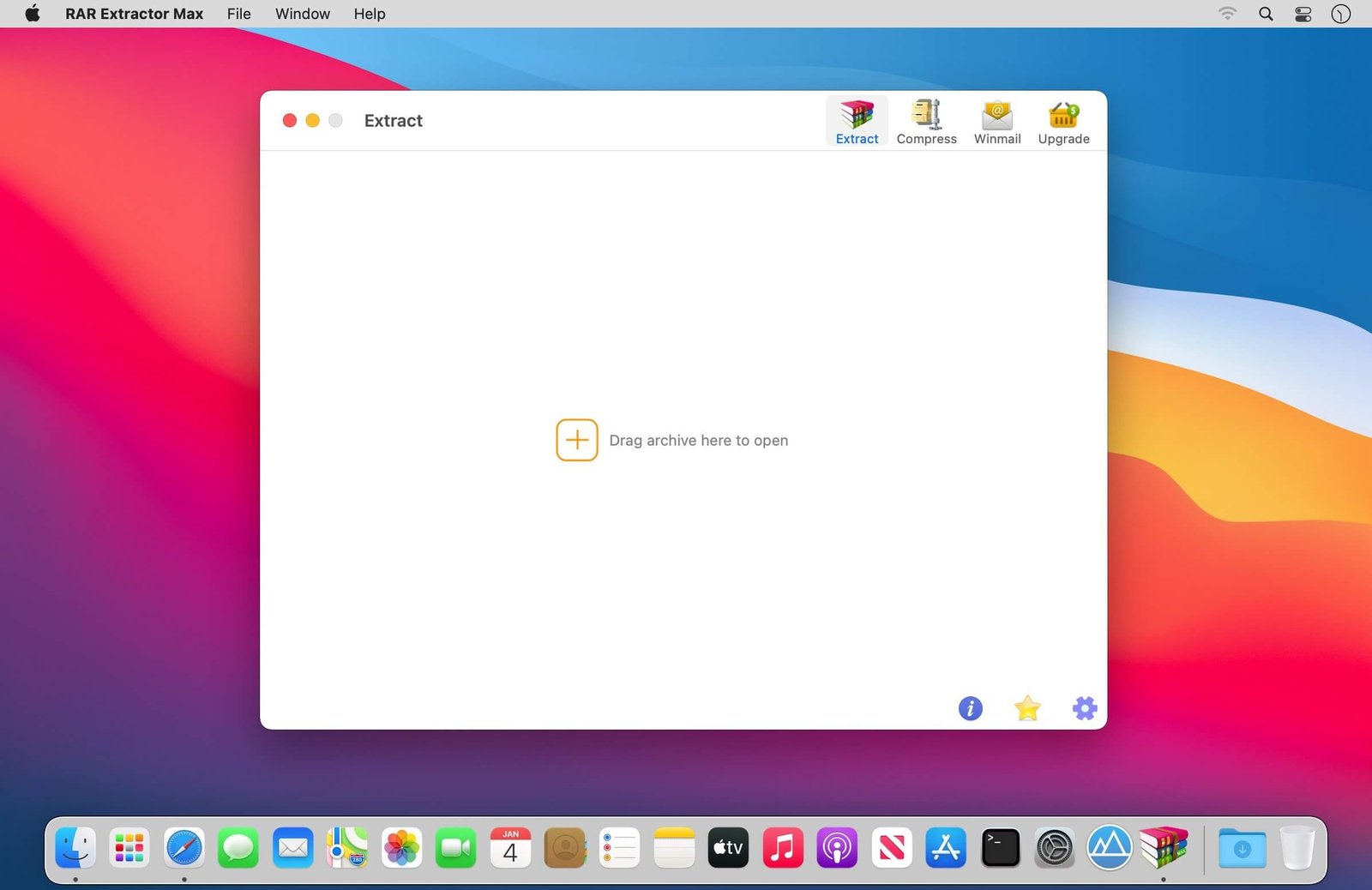
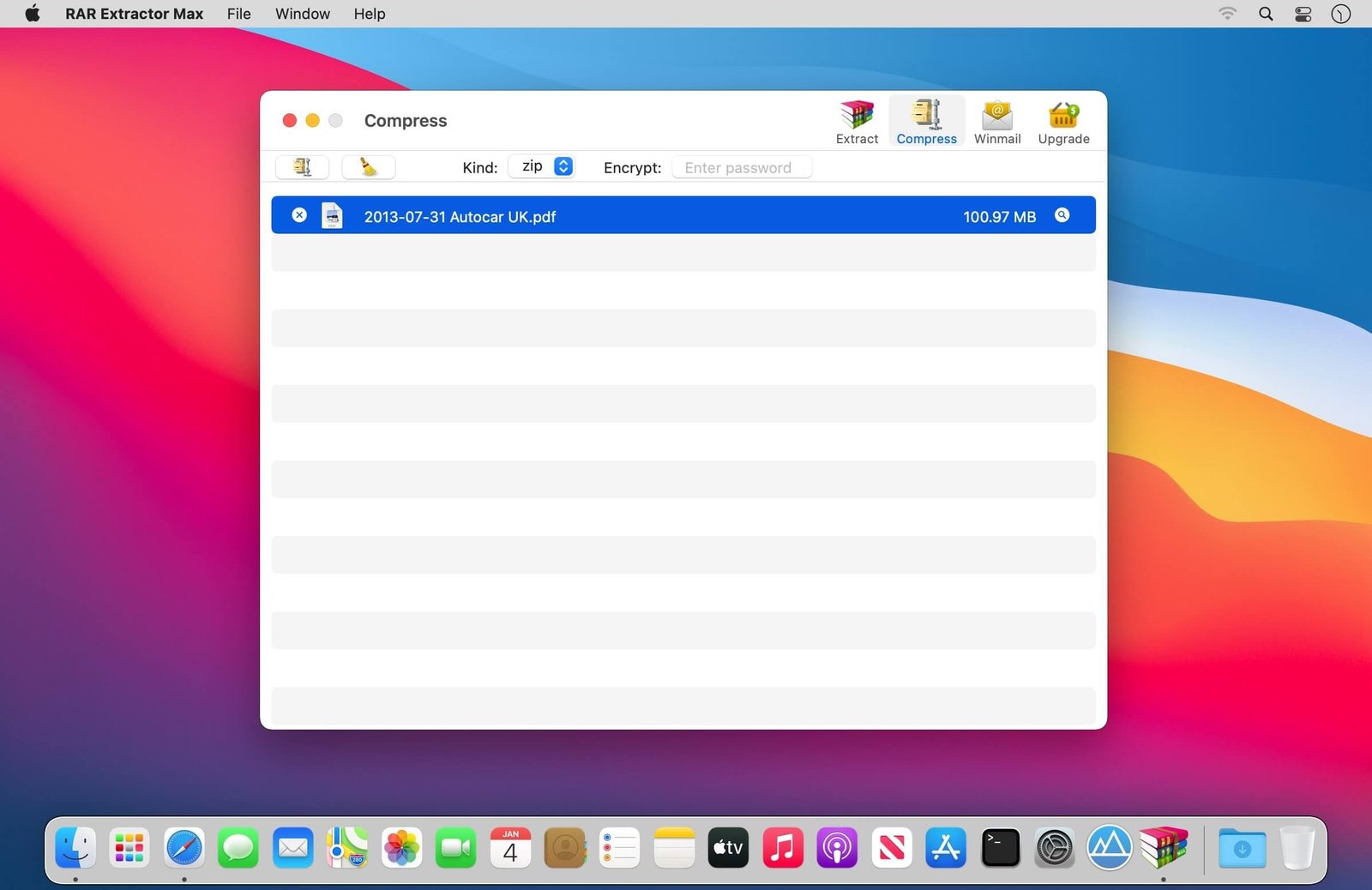
The workflow is deliberately minimal: drag a compressed file onto the app, or double-click it if RAR Extractor Max is set as the default handler, and it extracts automatically. There’s no dialog to configure or setting to adjust first. It also goes the other direction, letting you compress files and folders into ZIP or other supported formats when you need to send something smaller.
It handles multi-part and password-protected archives, which matters for anyone downloading large files split across several parts or receiving encrypted archives from clients or collaborators. Batch extraction means a folder full of archives can be processed in one pass instead of one at a time.
Features
- Broad format support — extracts RAR, ZIP, 7z, TAR, GZ, and other common archive formats.
- Drag-and-drop extraction — drop a file onto the app and extraction starts automatically.
- Batch processing — extract multiple archives at once instead of individually.
- Password-protected archives — open encrypted RAR and ZIP files when you have the password.
- Multi-part archive support — reassembles and extracts archives split across several files.
- Archive creation — compress files and folders into ZIP or other supported formats.
- Default app integration — set as the default handler so archives open automatically on double-click.
- Preview before extracting — view the contents of an archive without extracting the whole thing first.
- Lightweight and fast — a small, native utility with no unnecessary interface around it.
Who It’s For
Anyone who regularly receives files in formats macOS can’t open on its own: people downloading software or media distributed as RAR or 7z archives, professionals receiving password-protected files from clients, and anyone who wants archive handling to just work without configuration.