Adobe Acrobat Pro DC 26.001.21431New
Adobe Acrobat Pro DC for macOS — Free Download via Torrent or Direct Link. Adobe Acrobat Pro DC is Adobe's professional PDF app for macOS, covering direct editing, conversion, e-signatures, and document security in one program.
Screenshots
About
Download Adobe Acrobat Pro DC for macOS
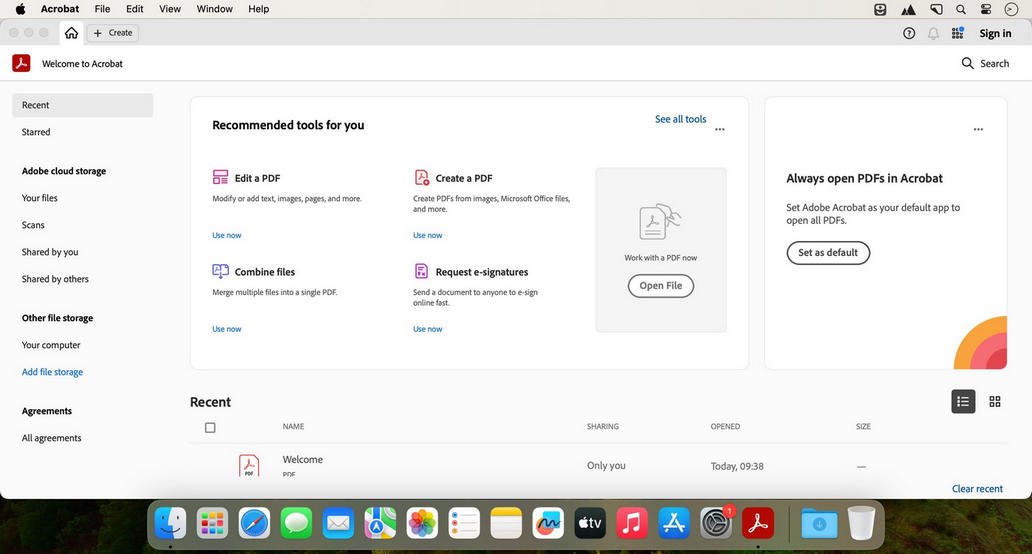
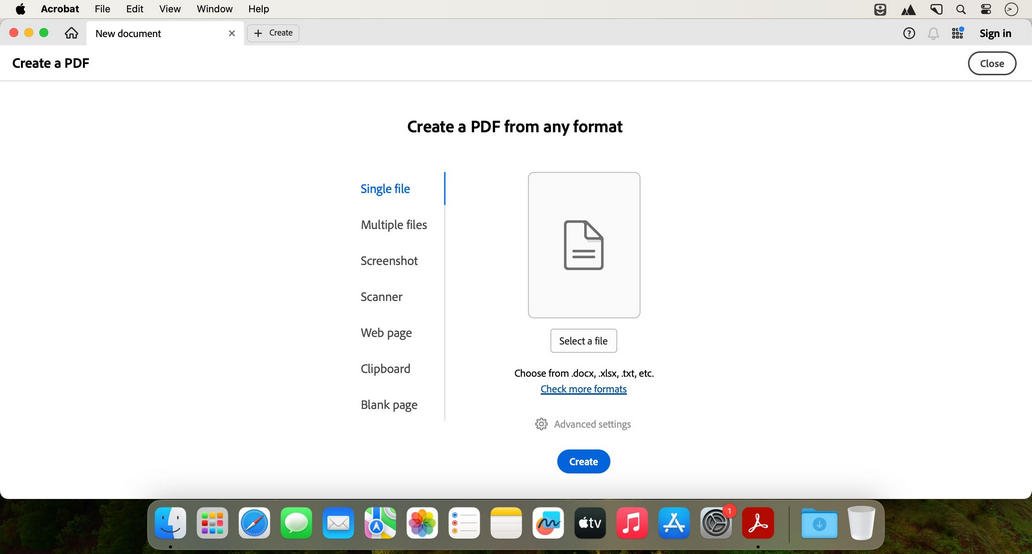
Adobe Acrobat Pro DC is Adobe’s professional PDF application for macOS. It is built around the format Adobe itself created, and it covers the complete range of what PDFs need to do: viewing, editing, converting, signing, and securing documents, all from one program rather than stitching together separate tools.
Editing goes beyond adding comments — you can change text and images directly inside a PDF, with the app matching the original font and layout automatically. It also converts PDFs to and from Word, Excel, and PowerPoint with formatting preserved, which matters most when a document started life somewhere else and needs to go back.
Acrobat Pro DC is built for volume and workflow rather than one-off edits: batch processing across large document sets, legally binding e-signatures through Adobe Sign, and organization-level features like redaction, form creation, and document tracking. It integrates with Adobe’s other Creative Cloud and Document Cloud apps, and files sync across devices so a document started on a Mac is available on mobile or another machine.
Features
- Direct PDF editing — change text, images, and layout inside an existing PDF with formatting matched automatically.
- Format conversion — convert PDFs to and from Word, Excel, PowerPoint, and image formats.
- E-signatures — send, sign, and track legally binding signatures through Adobe Sign.
- Form creation and filling — build interactive forms or complete existing ones without printing.
- OCR for scanned documents — convert scans into searchable, editable text.
- Redaction — permanently remove sensitive text and images rather than covering them.
- Password protection and permissions — encrypt files and control who can open, edit, or print them.
- Page organization — merge, split, reorder, and extract pages across one or more documents.
- Batch processing — apply actions like conversion or redaction across many files at once.
- Document tracking — see when a shared file has been opened or viewed by recipients.
- Cross-device access — sync documents across Mac, mobile, and web through Document Cloud.
Who It’s For
Professionals whose work runs on document processes: legal and HR teams handling contracts and signatures, businesses managing forms and approvals at scale, and anyone who needs to edit, convert, and secure PDFs without relying on a separate app for each task.