
Microsoft Office 2024 v16.112Updated
Microsoft Office for macOS — Free Download via Torrent or Direct Link. Microsoft Office is Microsoft's productivity suite for macOS, built around Word, Excel, and PowerPoint with real-time co-authoring through Microsoft 365.
Screenshots
About
Download Microsoft Office for macOS
Microsoft Office is Microsoft’s productivity suite for macOS, built around three core applications most offices run on: Word for documents, Excel for spreadsheets, and PowerPoint for presentations. Outlook handles email and calendars, and the suite includes a few smaller tools depending on the plan you have.
The Mac versions are built natively rather than ported, so they run on Apple silicon properly and follow macOS conventions for things like menus, trackpad gestures, and window behavior. File compatibility with Windows versions is exact — a Word or Excel file moves between platforms without formatting breaking, which matters most when you’re collaborating with people on different machines.
Office now ships as Microsoft 365, a subscription that keeps the apps updated continuously and adds cloud storage through OneDrive along with real-time co-authoring — multiple people editing the same document at once, with changes appearing live. Files can live locally or in the cloud, and both stay in sync automatically.
Features
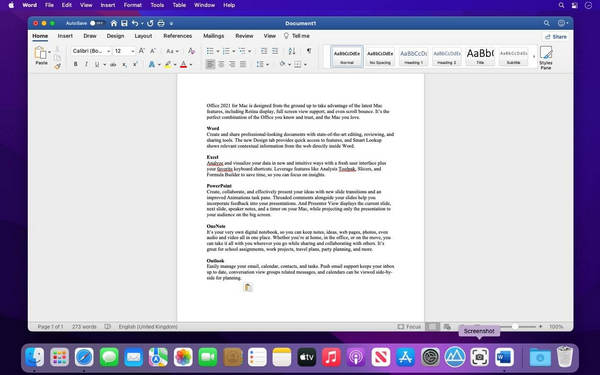
- Word — document creation and editing with styles, templates, track changes, and comment-based review.
- Excel — spreadsheets with formulas, pivot tables, charts, and data analysis tools for anything from budgets to large datasets.
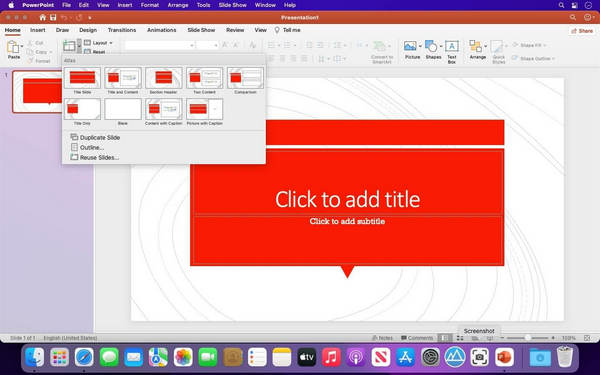
- PowerPoint — slide design with templates, transitions, and presenter tools for building and delivering presentations.
- Outlook — email, calendar, and contacts in one application, with shared calendar and scheduling support.
- Real-time co-authoring — multiple people editing the same document simultaneously with live updates.
- OneDrive integration — cloud storage that keeps files synced and accessible across devices.
- Cross-platform file compatibility — documents open and format identically on Windows, Mac, and mobile versions.
- Templates library — pre-built layouts for documents, spreadsheets, and presentations across common use cases.
- Built-in accessibility tools — dictation, screen reader support, and an accessibility checker across the apps.
- Continuous updates — new features and security patches delivered regularly through the subscription.
Who It’s For
Businesses, students, and individuals who need a standard, widely compatible set of office tools: teams collaborating on shared documents, students writing papers and building presentations, and anyone exchanging files with people using Windows machines.