Rectangle Pro 3.82Updated
Rectangle Pro for macOS — Free Download via Torrent or Direct Link. It is an advanced macOS window management app that lets you quickly organize and resize windows using customizable shortcuts and powerful layout controls.
Screenshots
About
Download Rectangle Pro for macOS
Rectangle Pro is a window management utility for macOS. It exists to solve one specific annoyance: the time you waste dragging window edges around until two apps sit side by side properly. Instead of doing that by hand, you press a shortcut and the window lands exactly where it belongs — left half, right third, top-left quarter, or a size you defined yourself.
The app lives in your menu bar and stays out of the way. There is no dashboard to check, no background clutter, no learning curve beyond picking the shortcuts you like. Most people configure it once and then stop thinking about it entirely, which is the point — you get your screen organized without turning screen organization into a task.
It becomes most useful the moment you have more than two things open at once. Comparing a document against a browser, keeping notes visible while you work, running a reference window on a second monitor: all of it happens with a keystroke instead of a series of small mouse movements.
Features
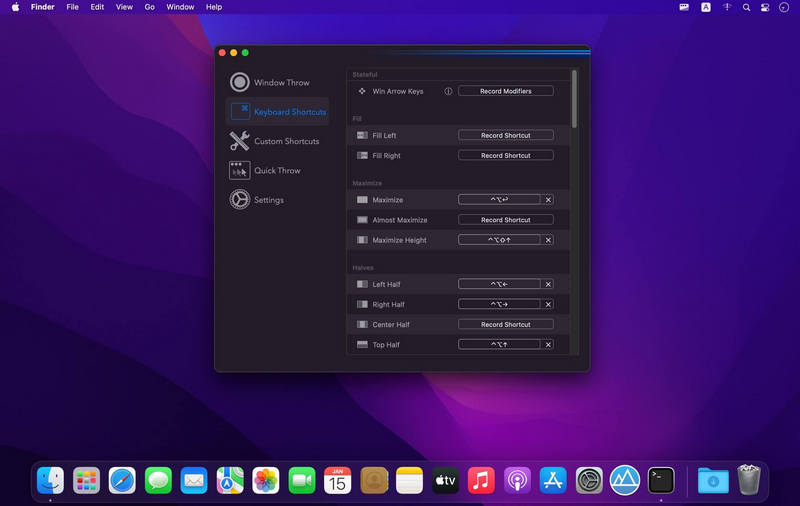
- Shortcut-based positioning — halves, thirds, quarters, maximize, center, and near-maximize, each mapped to a key combination you choose.
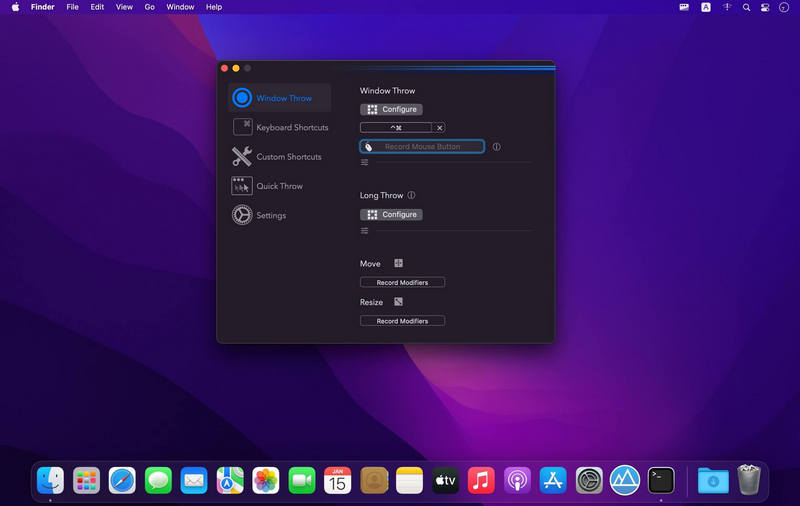
- Drag-to-snap zones — throw a window toward a screen edge or corner and it fills that region instantly.
- Custom sizes — define your own dimensions and screen positions when the built-in presets don’t match how you work.
- Command cycling — press the same shortcut again to step through progressively different widths for the same position.
- Saved layouts — arrange a set of apps once, save the arrangement, and restore all of it with a single shortcut.
- Per-app rules — apply specific behavior to individual apps, or exclude apps that handle their own window sizing.
- Multi-monitor moves — send windows between displays without reaching for the trackpad.
- Flexible dragging — reposition or resize using the titlebar or modifier keys, not just the window edges.
- Menu bar access — every command is available from a compact menu, so shortcuts are optional rather than mandatory.
- Lightweight and native — a small macOS app that launches at login and uses minimal system resources.
Who It’s For
Anyone who regularly works with three or more windows open: developers switching between code and documentation, writers keeping research beside a draft, engineers running drawings alongside calculation sheets. If you have ever spent half a minute nudging windows into place before starting actual work, this removes that step.